
Real code
Edit highlighted HTML, CSS and JavaScript. Save in the top bar writes your drafts and immediately opens the updated canvas.
Create buttons, inputs, forms, tables and other visual elements. Edit suitable properties, test interaction states and save HTML, CSS, JavaScript and project assets.
A visual interface for your first project. Direct source access for complete control.
Edit highlighted HTML, CSS and JavaScript. Save in the top bar writes your drafts and immediately opens the updated canvas.
Visual elements are organized into logical groups. Tables start with 5 data rows and 3 columns; settings follow the tag and input type.
Edit hover, focus and active. Test behaviour with a virtual mouse, joystick and scrolling.
Value dropdowns with custom input, colors and shadows. Enable sliders individually; their limits follow element dimensions. CSS updates without reloading the canvas.
Choose background images, pictures, video, audio and documents from your device. Files are copied into the project and included in the ZIP with source code.
Step-by-step articles, code examples and an attribute reference — for beginners and developers.
Real DivMaster screens: the visual page, properties and guide.
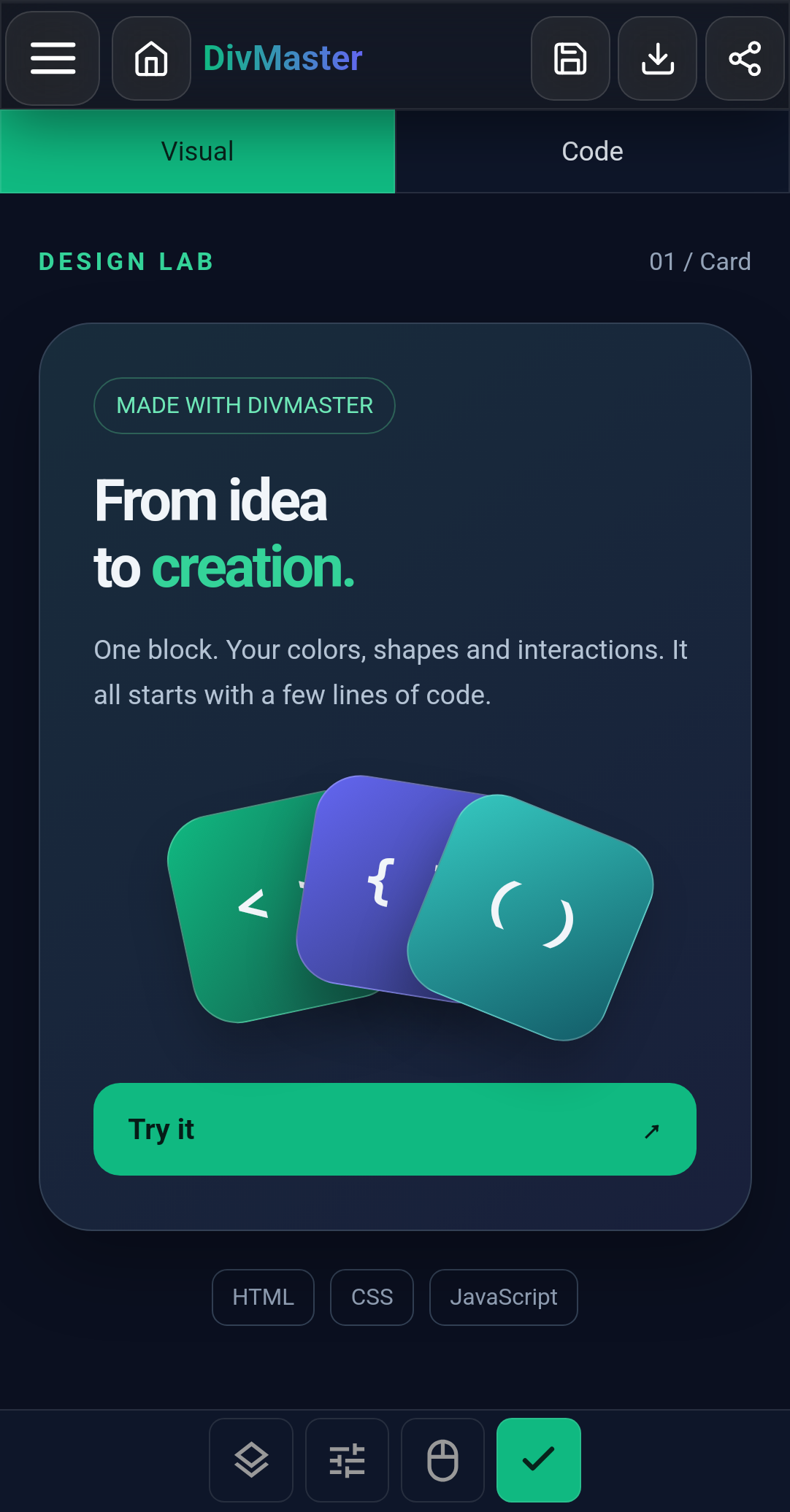
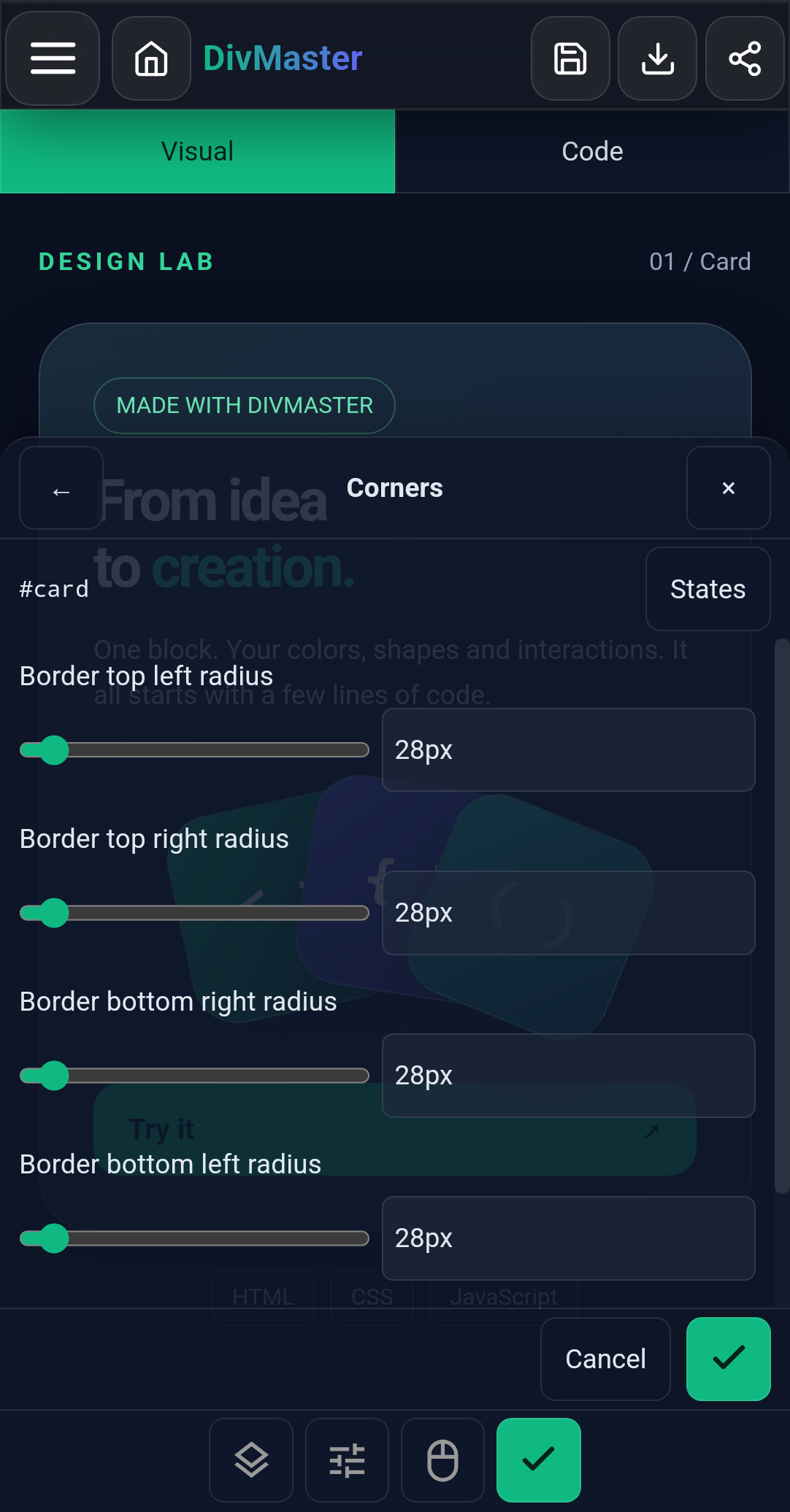
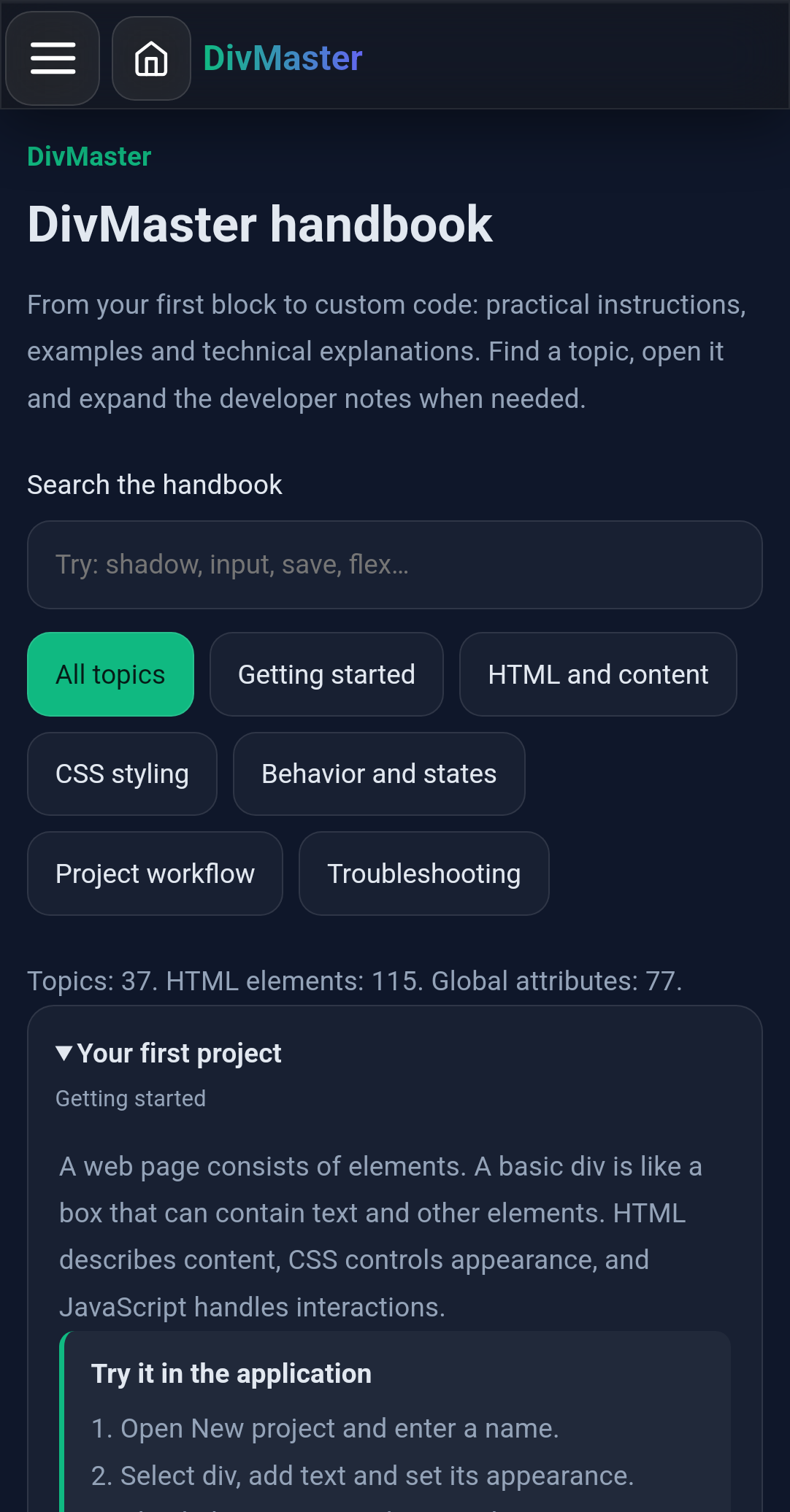
Choose a visual element from a group, set initial options and check its preview.
Enable a slider or choose a dropdown value. Configure tables, form controls and background images. Check states using the virtual mouse.
The top-bar Save button applies HTML, CSS and JS. Export includes imported files in image, video, audio and dokument folders.
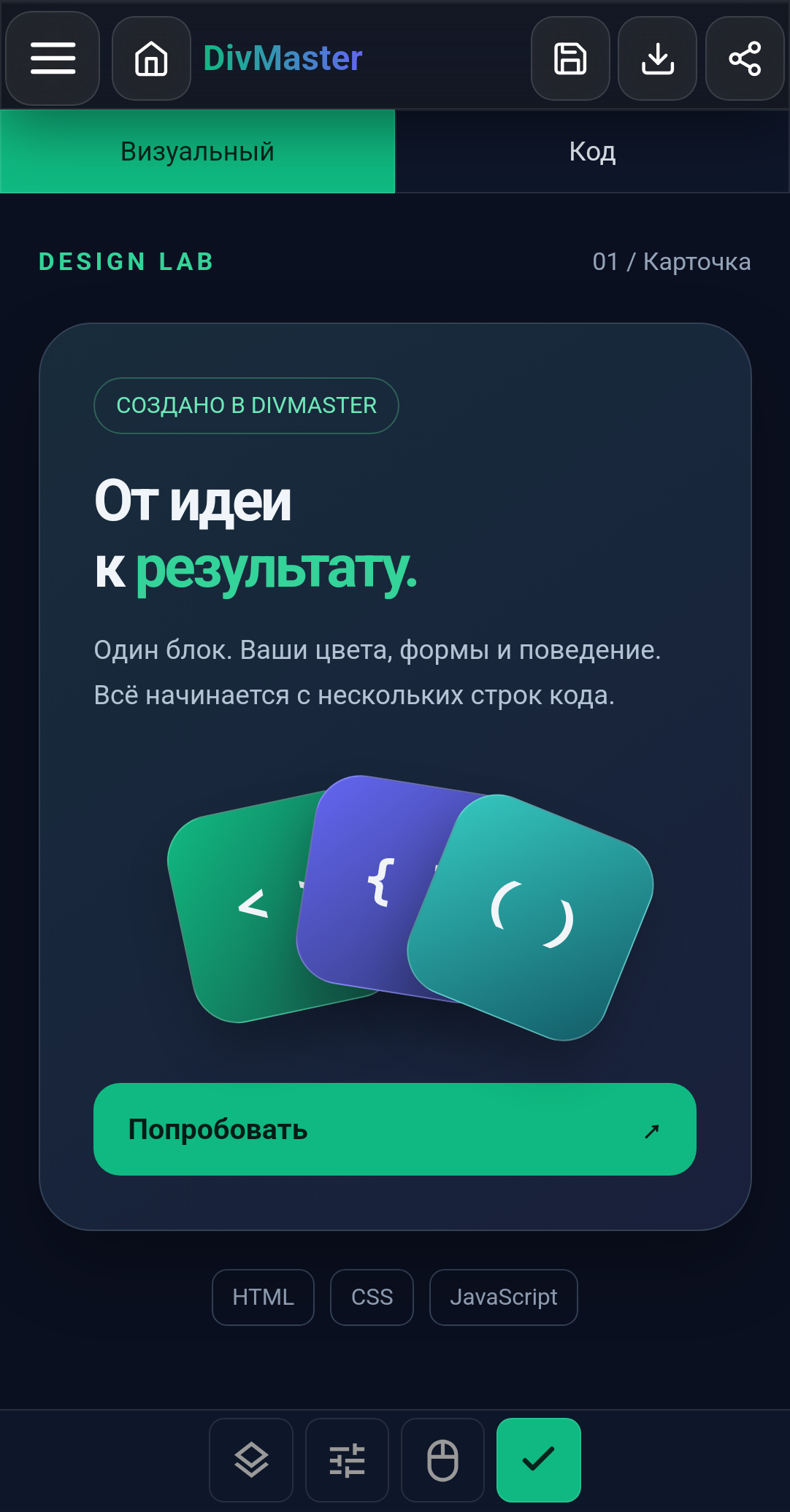
Grouped visual elements, element-specific settings, protected sliders, tables and forms, background images and ZIP exports with assets.
Read more →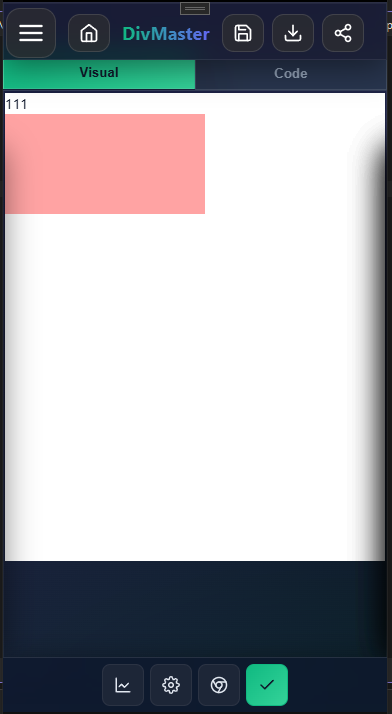
Сайт стартовал! А это значит, что скоро выйдет приложение DivMaster и будет доступно к скачиванию и установке в смартфоны!
Read more →