
DivMaster 1.0.0: first release prepared
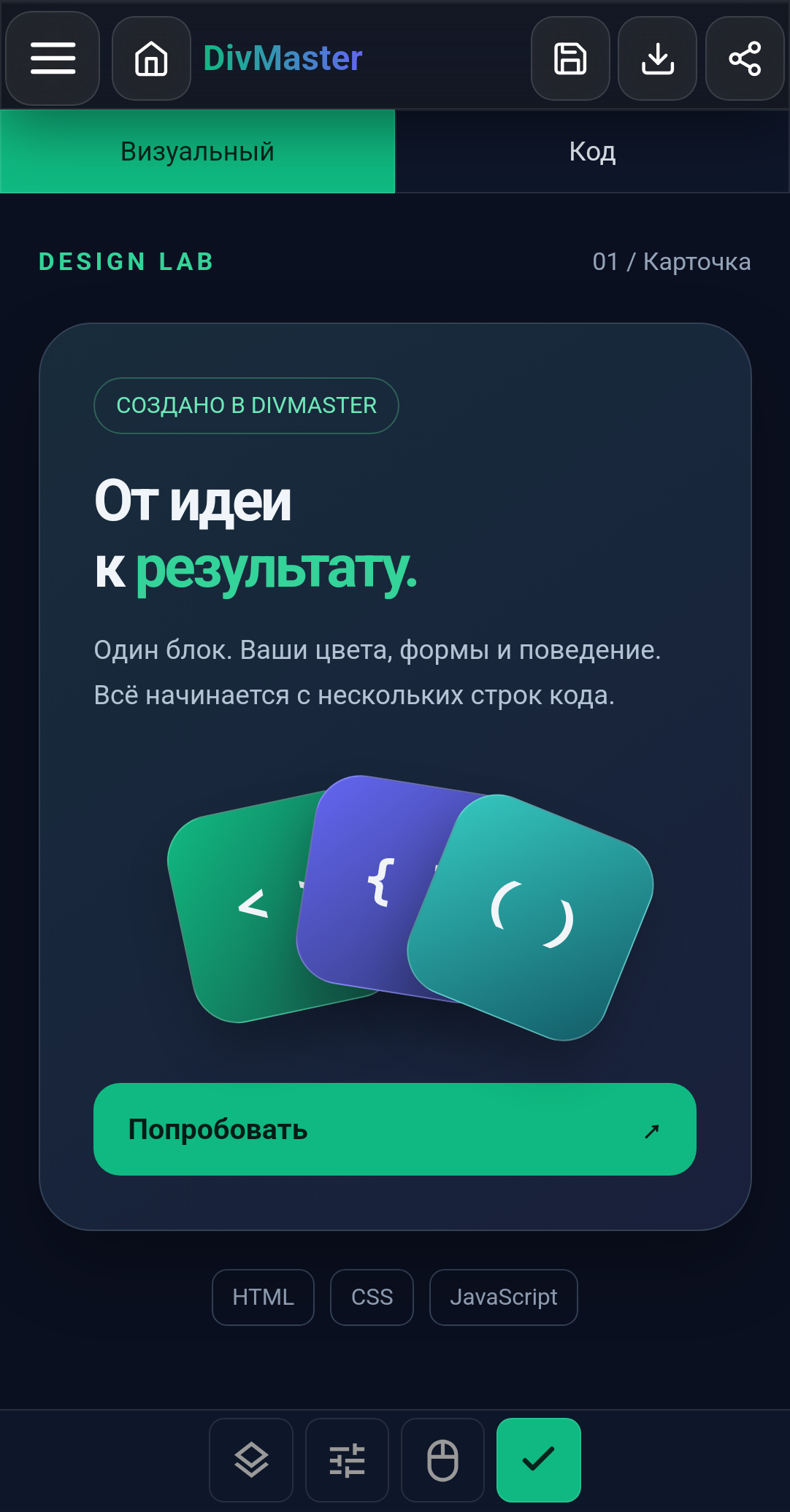
Grouped visual elements, element-specific settings, protected sliders, tables and forms, background images and ZIP exports with assets.
DivMaster is a visual HTML, CSS and JavaScript editor for phones and tablets. Create web elements, style them and check the result on your canvas.
Grouped visual elements Choose containers, buttons, text, inputs, forms, lists, tables and media. The wizard offers visual elements with suitable attributes and initial settings. A full HTML reference is available separately.
Practical styling controls Settings follow the selected element type. Use dropdowns, color pickers, custom input and sliders. Each slider stays disabled until activated with its own button; spacing, shadow and corner limits follow element dimensions. CSS updates without reloading the canvas. A joystick controls shadow direction.
Tables and forms Tables start with 5 data rows and 3 columns. Change structure, headers and column widths. Select cells to edit text, background, borders and alignment. Add form inputs, checkboxes, radio buttons, sliders and other controls; set dropdown options.
Source code and saving Edit HTML, CSS and JavaScript with local syntax highlighting. Edits remain drafts until saved. The top-bar Save button writes source files and immediately shows the updated canvas.
Pictures and project assets Choose a background image for a button or another element. Import pictures, video, audio and documents through the system file picker. Copies go into the project image, video, audio and dokument folders and are included in ZIP exports.
Interaction testing Style hover, press and focus states. A virtual mouse with a joystick, buttons and scrolling helps test behavior on touchscreens. Some protected browser actions require real user input.
Learn and share The built-in searchable handbook includes steps, code samples and HTML/CSS explanations. Projects stay local. Export saved code and assets in a ZIP through the system menu. External URLs are not downloaded automatically. Website hosting and form server processing are separate.
Russian and English interfaces, light, dark and system themes, and a configurable editor background.
Contains ads. Android file imports, exports and sharing require rewarded advertisements. No registration is required. Ads and external resources need internet access.
Support: qutrum@gmail.com Website: https://divmaster.qutrum.com
Google Play: the bundle is prepared for upload; store publication and availability are not yet confirmed.